Why it is slow
Opens with one sentence: load, memory and swap, thermal throttling — and which program, in which project, started by which agent. Quit it right there.
✦ Why your Mac is slow · where the space went · what runs hot ✦
One menu bar app for three questions: why is my Mac slow, what is filling the disk, and what is running hot. It knows the old sessions and models AI tools leave behind, checks up on your AI agents, and lets those agents look for themselves.
⌘ For AI agents (thermo-use)
curl -fsSL https://raw.githubusercontent.com/leeguooooo/thermo-use/main/install.sh | shLet Claude Code, Codex and other agents look at this Mac too: thermo pulse --json says why it is slow in one call. After installing the app, Settings → AI agents does this in one click.
Opens with one sentence: load, memory and swap, thermal throttling — and which program, in which project, started by which agent. Quit it right there.
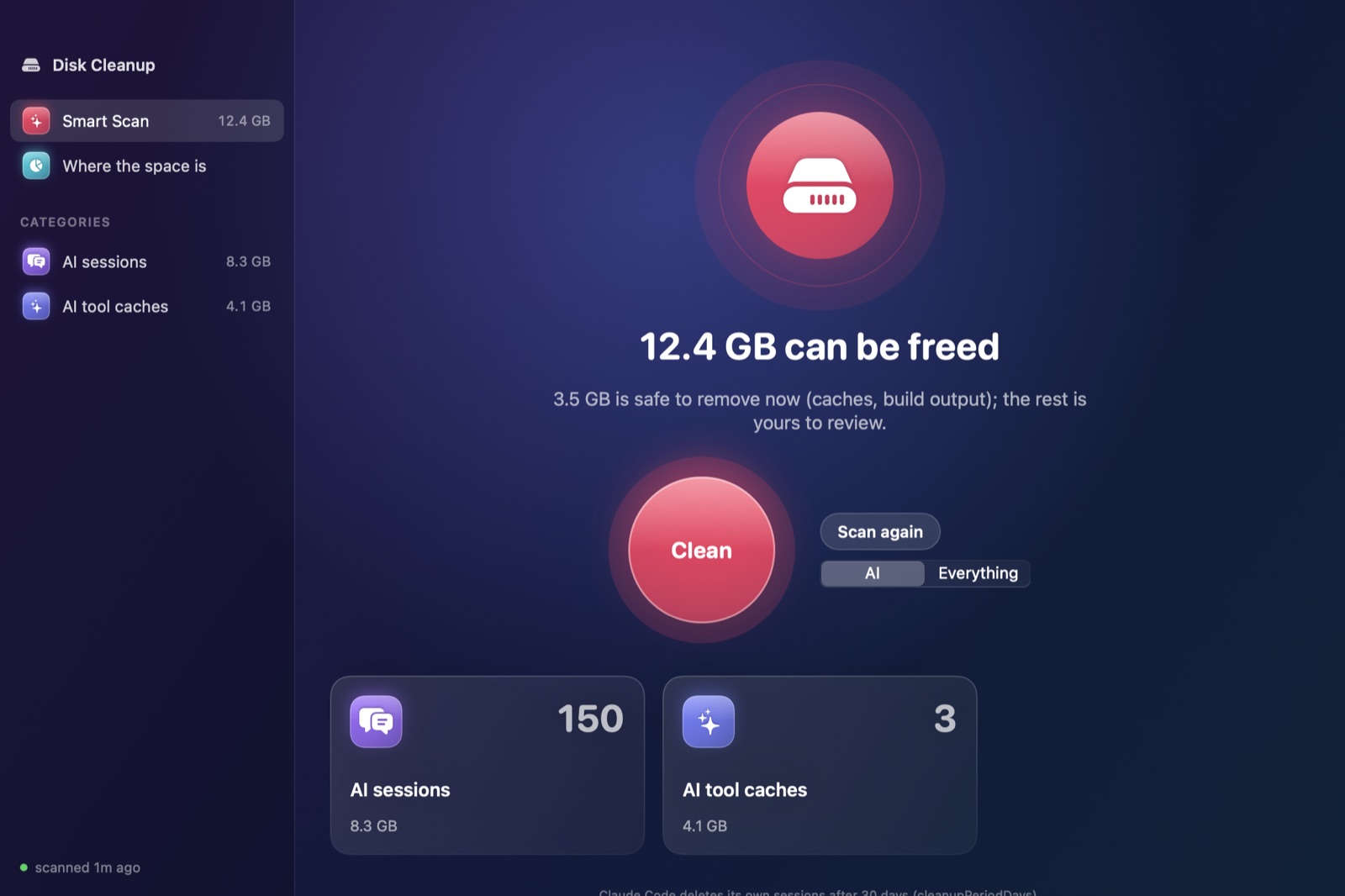
Old Claude Code, Codex and Gemini sessions grouped by project; model downloads, agent worktrees, old versions and caches; plus developer caches, Xcode and simulators, and build output. Counts only what removing actually frees.
Caches are deleted, sessions and models go to the Trash. Running sessions, open apps and worktrees with uncommitted work are skipped. Every removal is logged.
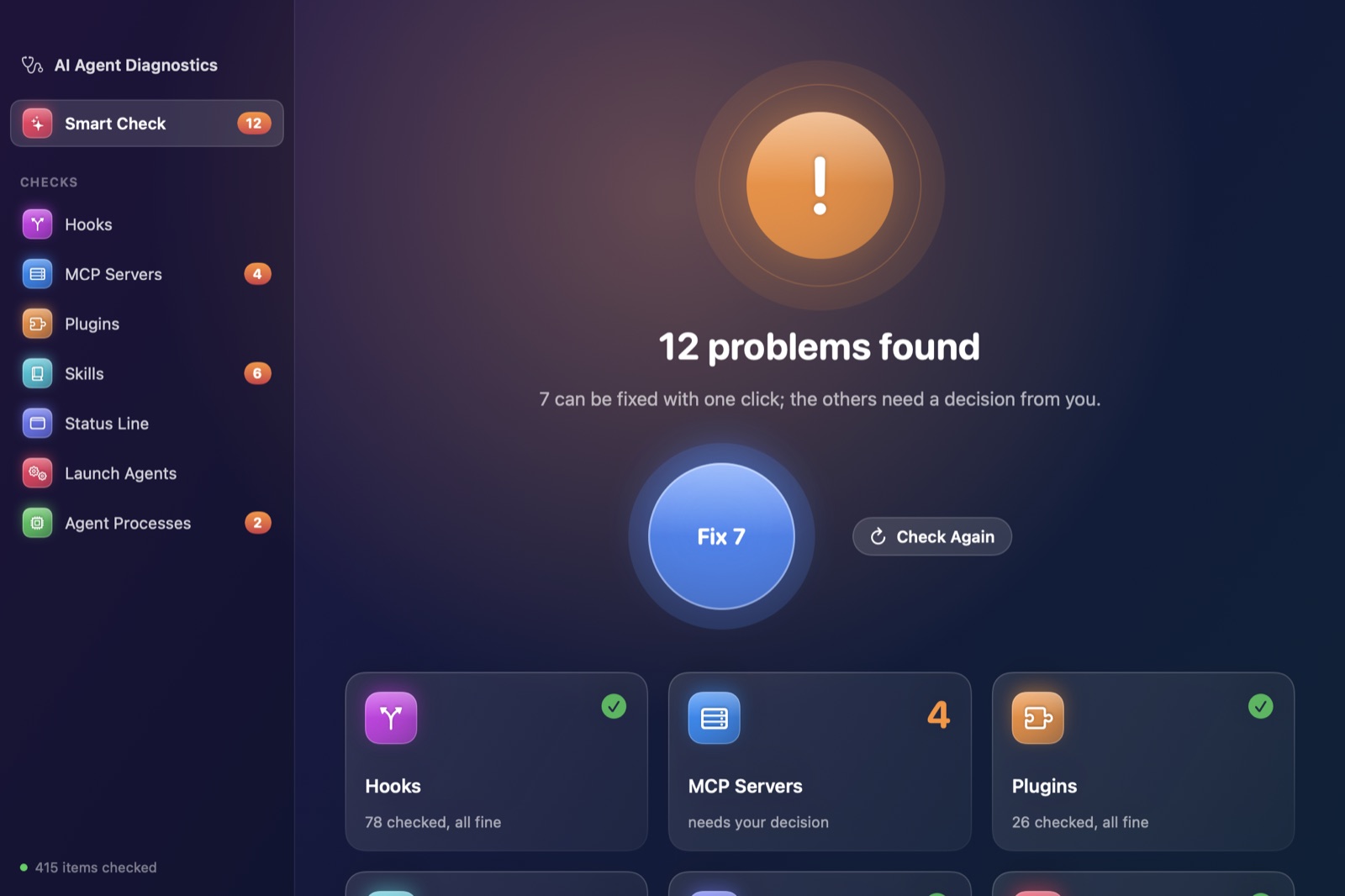
Checks hooks, MCP servers, plugins, skills, launch agents and leaked processes of Claude Code, Codex, Cursor and Gemini, with one-click fixes and backups before any config change.
One password, once; updates need nothing more. Fixed speed or a temperature curve; max stays max however hot it gets; your setting survives restarts.
Every temperature sensor, fan speeds, system and CPU power, battery health — in the menu bar, using almost nothing in the background.
Part of the *-use family: agents use the same thermo command to check the Mac, clean the disk and diagnose themselves. They look freely and act only when you ask.
Switch between English and 简体中文 in Settings; the command line stays English for scripts and logs.
Broken hooks, MCP servers that cannot start, plugins installed but not enabled, launch agents in a restart loop, leaked processes — on one screen, and the fixable ones fixed in one click.
📎 Updates automatically (Sparkle). Fan control asks for your password once. A few places (such as the Trash) need Full Disk Access to be scanned.